1. Cantonese Input: Save
this file (Right Click then save)
2. Then you need 輸入法編輯器 (uimetool.exe), if you are using english windows XP save this file (Right Click then save)
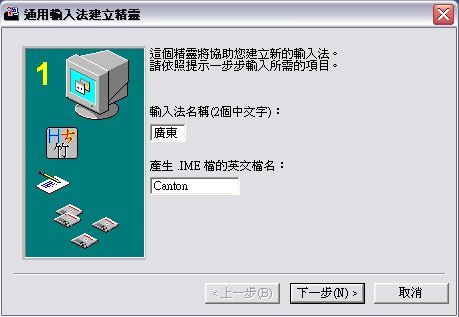
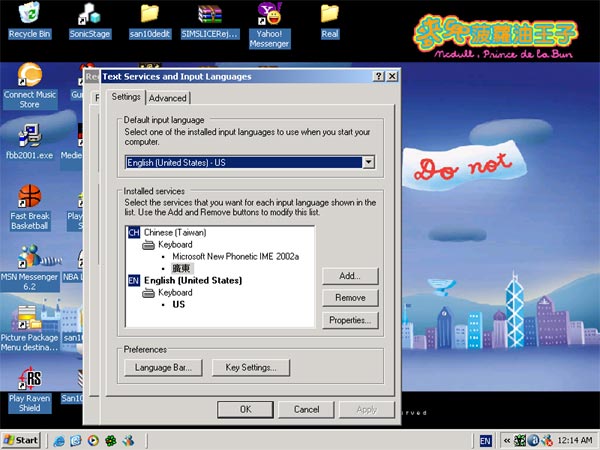
3. Click the uimetool.exe, then following the pix setting, then press next
廣東
Canton
2. Then you need 輸入法編輯器 (uimetool.exe), if you are using english windows XP save this file (Right Click then save)
3. Click the uimetool.exe, then following the pix setting, then press next
廣東
Canton
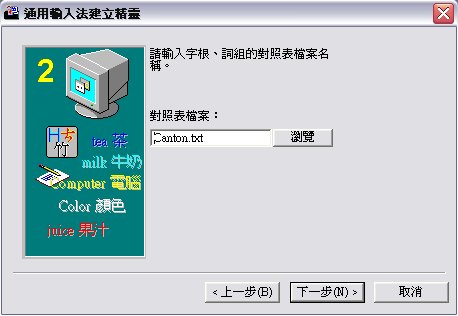
4. Browse for the Canton.txt
that you just download.
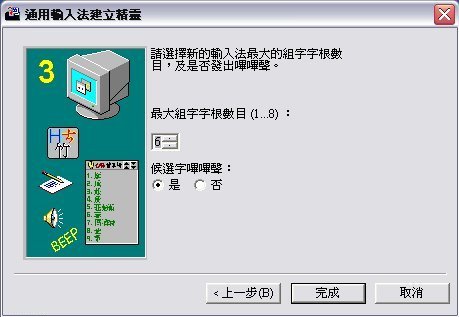
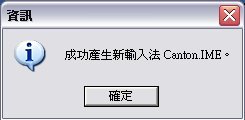
This is how you use it.




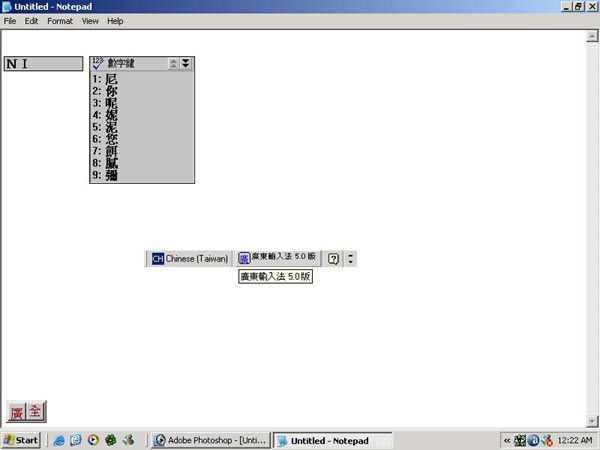
Use space bar to enter
Example: NI then space bar 2 is
你
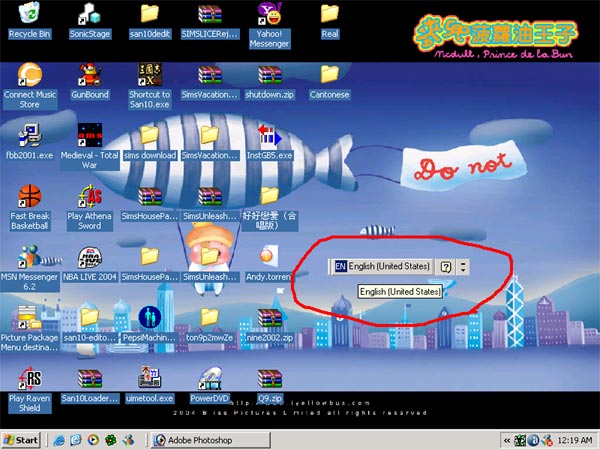
Alt + shift switch between Chinese
and english